01The Business tab
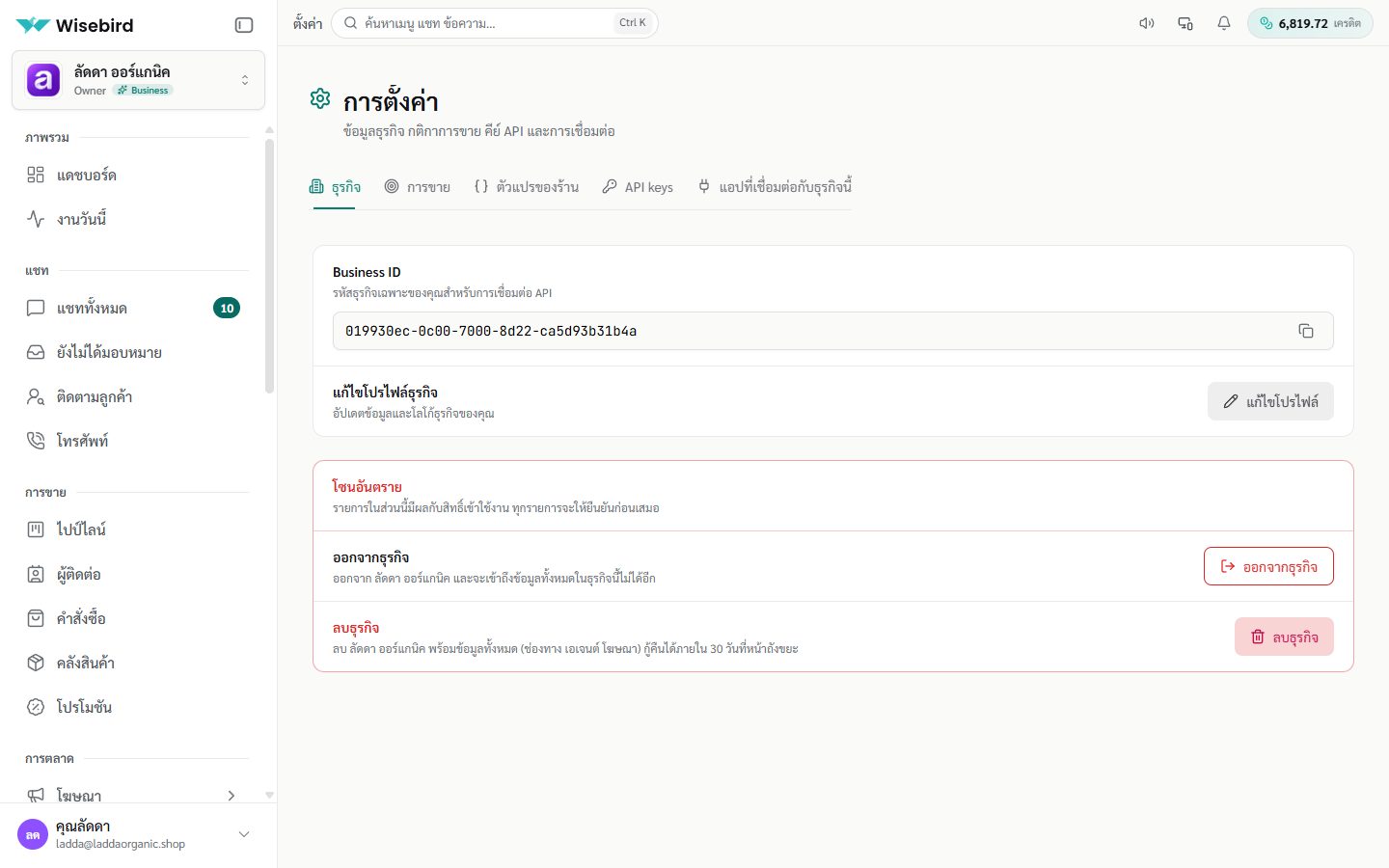
- Business ID — your business code for API connections; press the icon on the right to copy it
- Edit Profile — change the business name and logo
- Exit Business — you lose access to this business's data
- Delete Business — deletes it with its channels, agents and ads; restorable for 30 days from the Trash
Change the shop name or logo
Press Edit Profile, press Choose File for a new logo (a square JPG / PNG / GIF up to 5MB works best), edit the business name, then save.
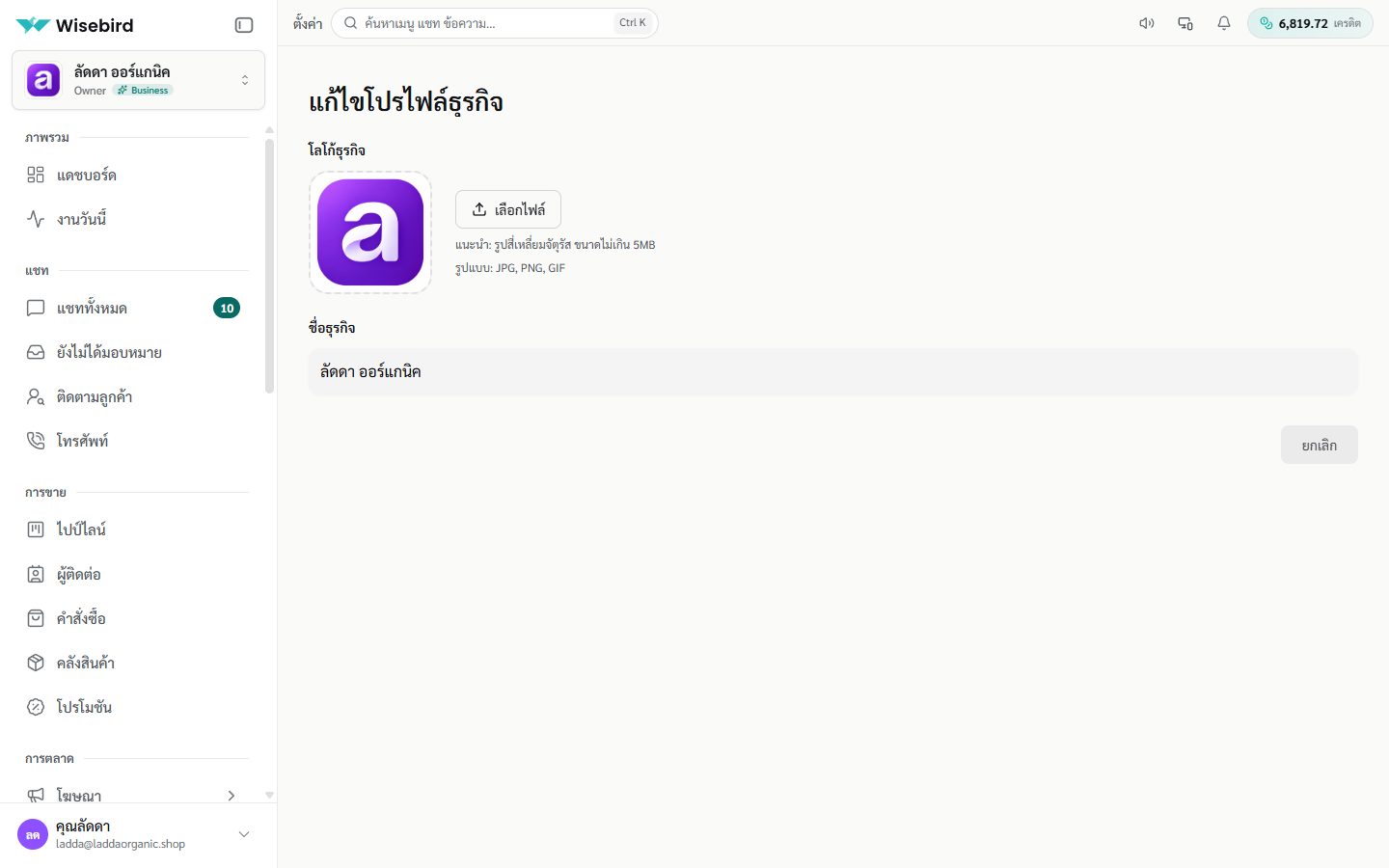
Edit business profile — Logo and business name
02Sales tab: who sees chats and who records sales
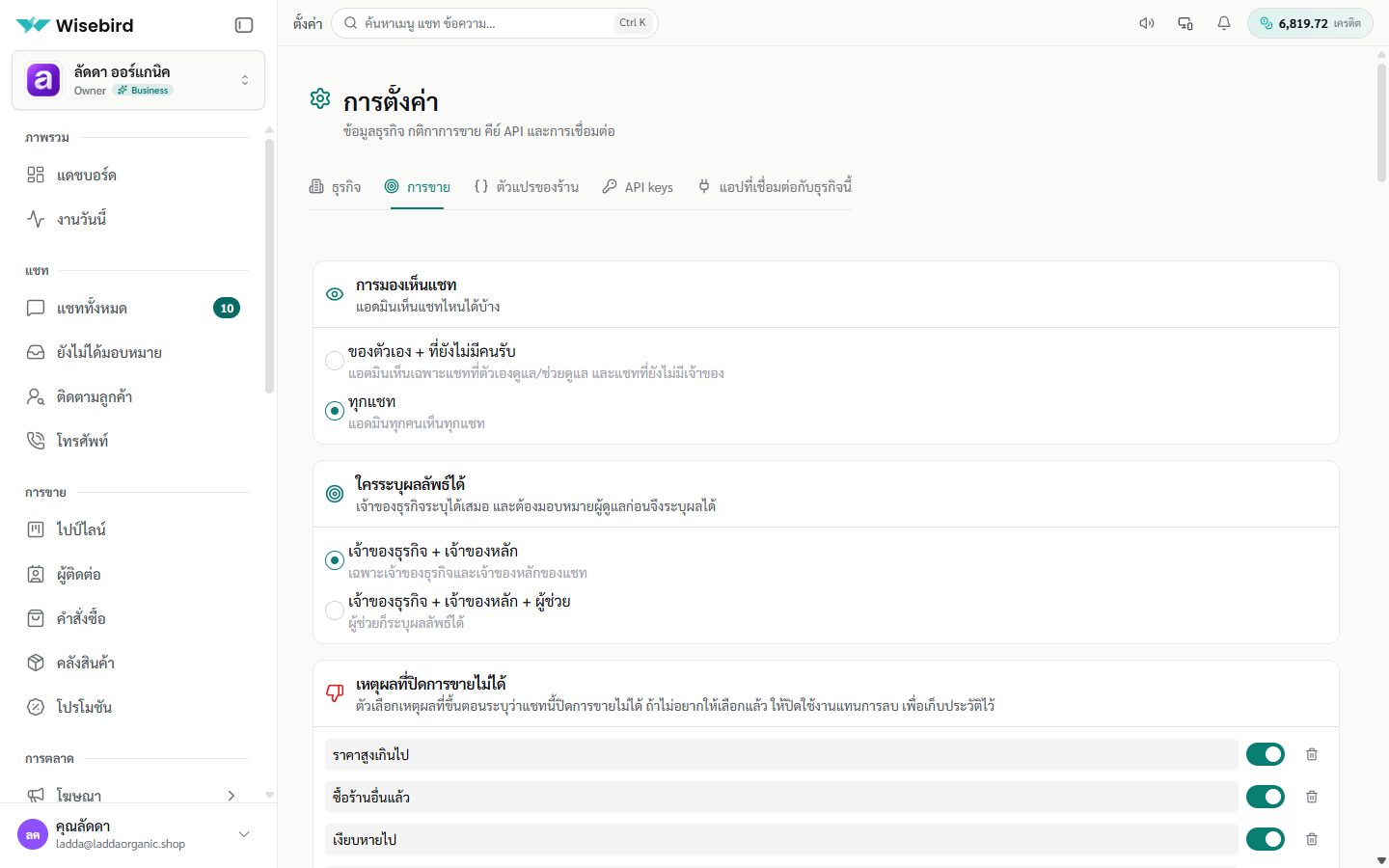
Choose chat visibility
Own + unassigned
Admins see only chats they own or help with, plus chats nobody owns yet
suits sales teams that split customers
All chats
Every admin sees every chat
Choose who can record the sale outcome
The business owner always can. Choose whether the chat's primary owner alone may, or collaborators too.
Set the lost reasons
These are the choices an admin sees when marking a chat as lost — e.g. too expensive, bought elsewhere, went quiet. Press Add reason to add one.
To stop offering a reason, switch it off instead of deleting it, so past records and reports keep it.
03Sales tab: chat assignment and working hours
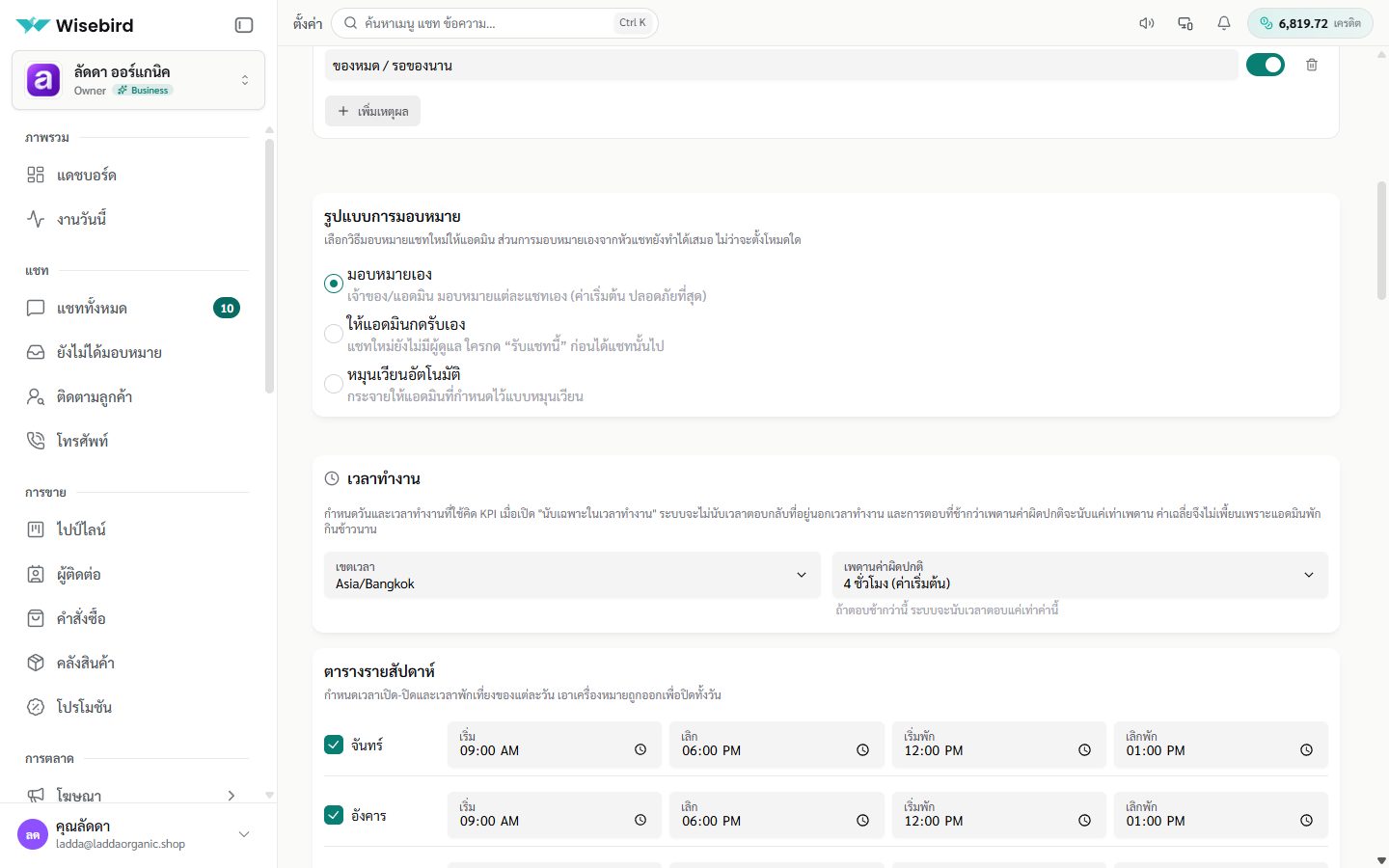
Mode 1
Manual
An owner or admin assigns each chat. The default, and the safest.
Mode 2
Claim queue
New chats have no owner; whoever presses "Claim for me" first gets it.
Mode 3
Round-robin
New chats are shared out in turn among the admins you choose.
Whatever the mode, you can always assign a chat by hand from its header.
Work hours are used by the dashboard when "count working hours only" is on. Set the Timezone, the Outlier cap (slower replies count only up to it, so a long lunch break does not skew the average) and the Weekly schedule — untick a day to close it entirely.
Read receipts can be switched on per channel. When on, customers see that you have read their message (on LINE it also clears the unread dot in LINE OA Manager).
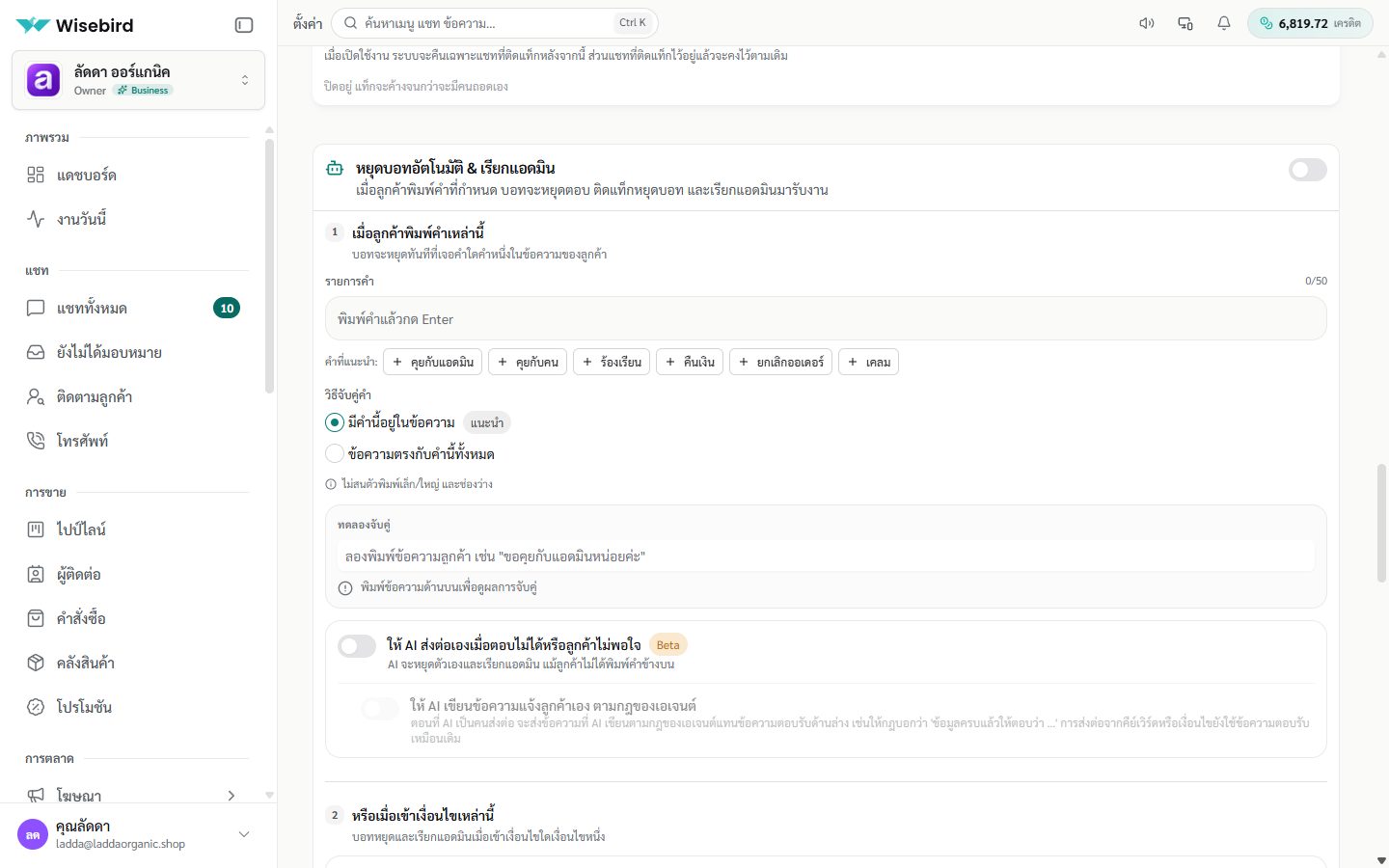
04Sales tab: stop the bot and call an admin
Use these when you want a person to take over from the AI.
- Stop automatic replies — pick a tag; whenever a chat gets this tag, the bot stops answering it
- Return chats to the AI automatically — when a chat with the stop tag has been quiet for the time you choose (1–24 h), the tag is removed, only while that channel's bot is working
- Auto-stop the bot & call an admin — words a customer types that stop the bot (such as "talk to a person", "refund") or other conditions, plus the message the customer gets and how the team is alerted
05The other tabs
Shop variables — facts every agent must state the same way, such as a bank account, an interest rate or the shop address. Press Add variable and use it in your agents' instructions; change it here once and every agent uses the new value.
API keys — keys for other systems to connect to your shop. See API keys and the External API.
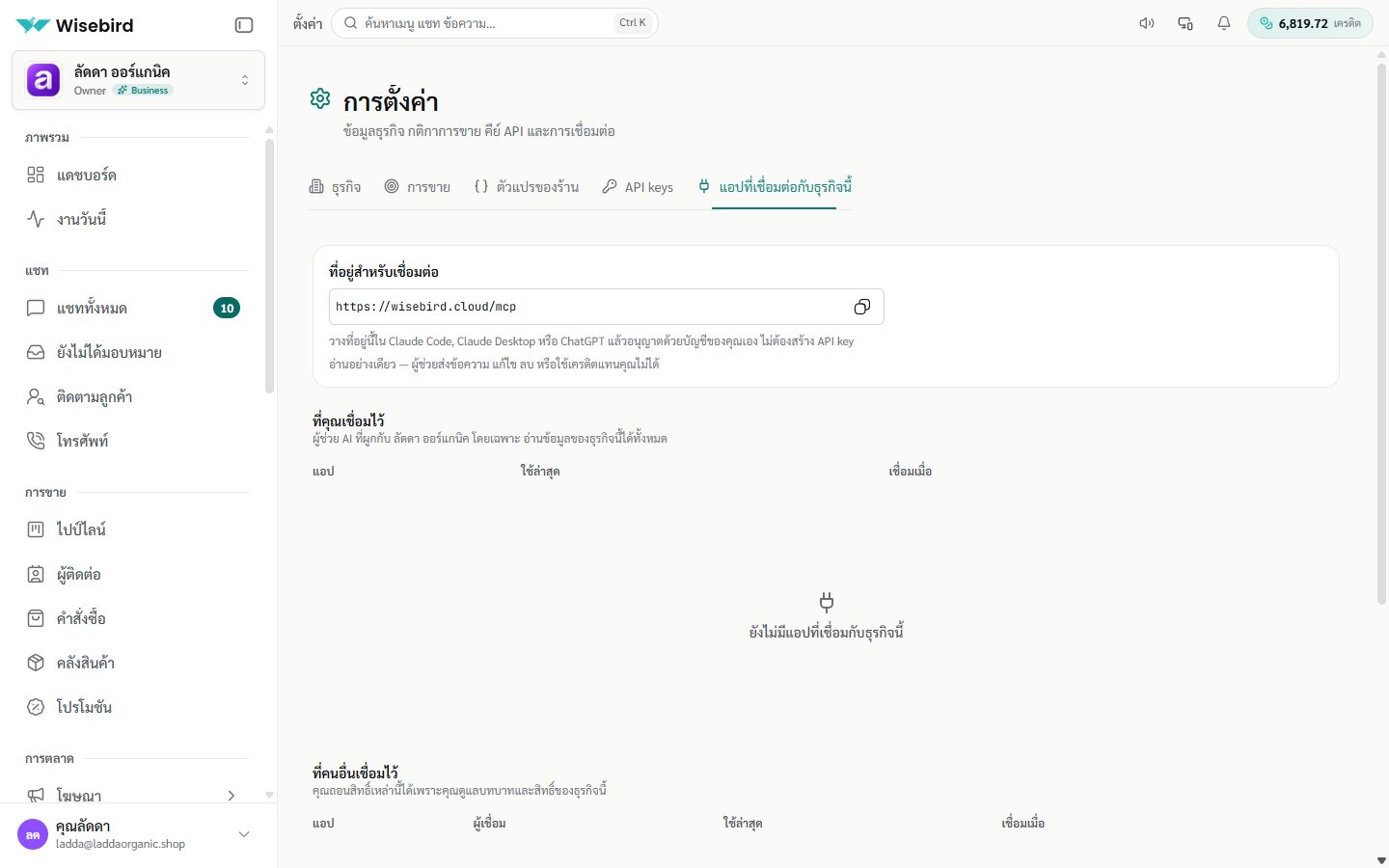
Apps connected to this business — lets an AI assistant such as Claude or ChatGPT read your shop data. Paste https://wisebird.cloud/mcp into that app and approve with your own account; no API key needed, and the assistant can only read — it cannot send messages or spend credits for you.