01When to use it
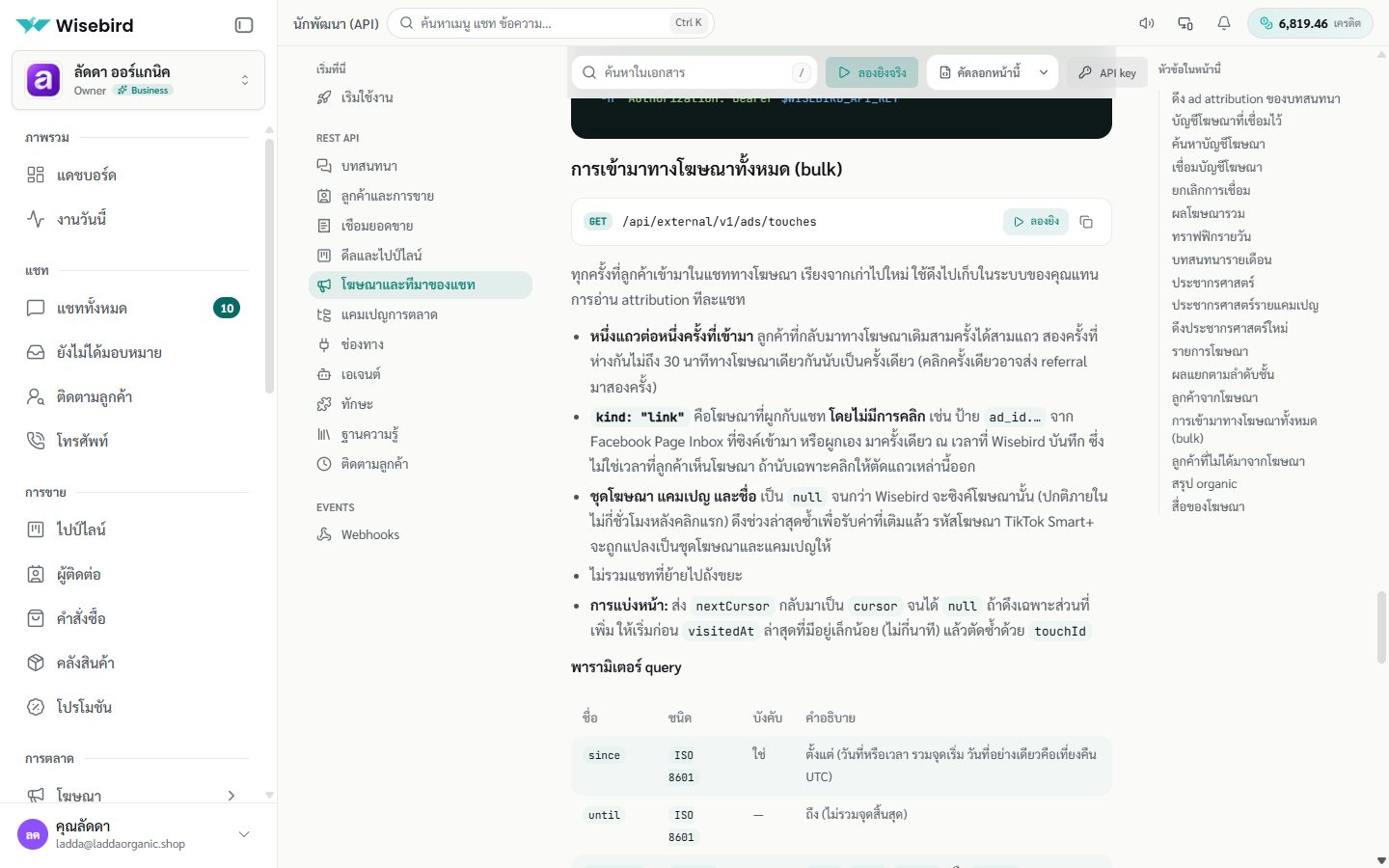
For shops with their own system — a CRM or a data warehouse — that want to keep every ad touch of every customer, to credit ads their own way or combine with their own sales data.
kind
visit
The customer came into the chat by clicking an ad. Clicks of the same ad less than 30 minutes apart count as one.
kind
link
An ad tied to the chat without a click — e.g. an ad_id label synced from Facebook Page Inbox, or linked by hand. It appears once, at the time Wisebird recorded it, not when the customer saw the ad.
02Your first call
Get an API key ready
Create a key under Settings › API keys with at least "view" on Ads (a View only key works). See API keys and the External API.
Call the endpoint with a start date
GEThttps://wisebird.cloud/api/external/v1/ads/touches?since=2026-11-01&limit=500Send the usual Authorization: Bearer fak-… header.
- since (required) — ISO 8601 date or date-time, inclusive; a bare date is midnight UTC
- until — end, exclusive
- platform — meta, line, tiktok or google
- limit — rows per page, 1–1000 (default 500)
- cursor — the nextCursor of the previous page
Try it in the browser before codingoptional
On Developer › Ads & attribution, scroll to Every ad touch (bulk), press Try it, paste your key, fill in since and press Send request.
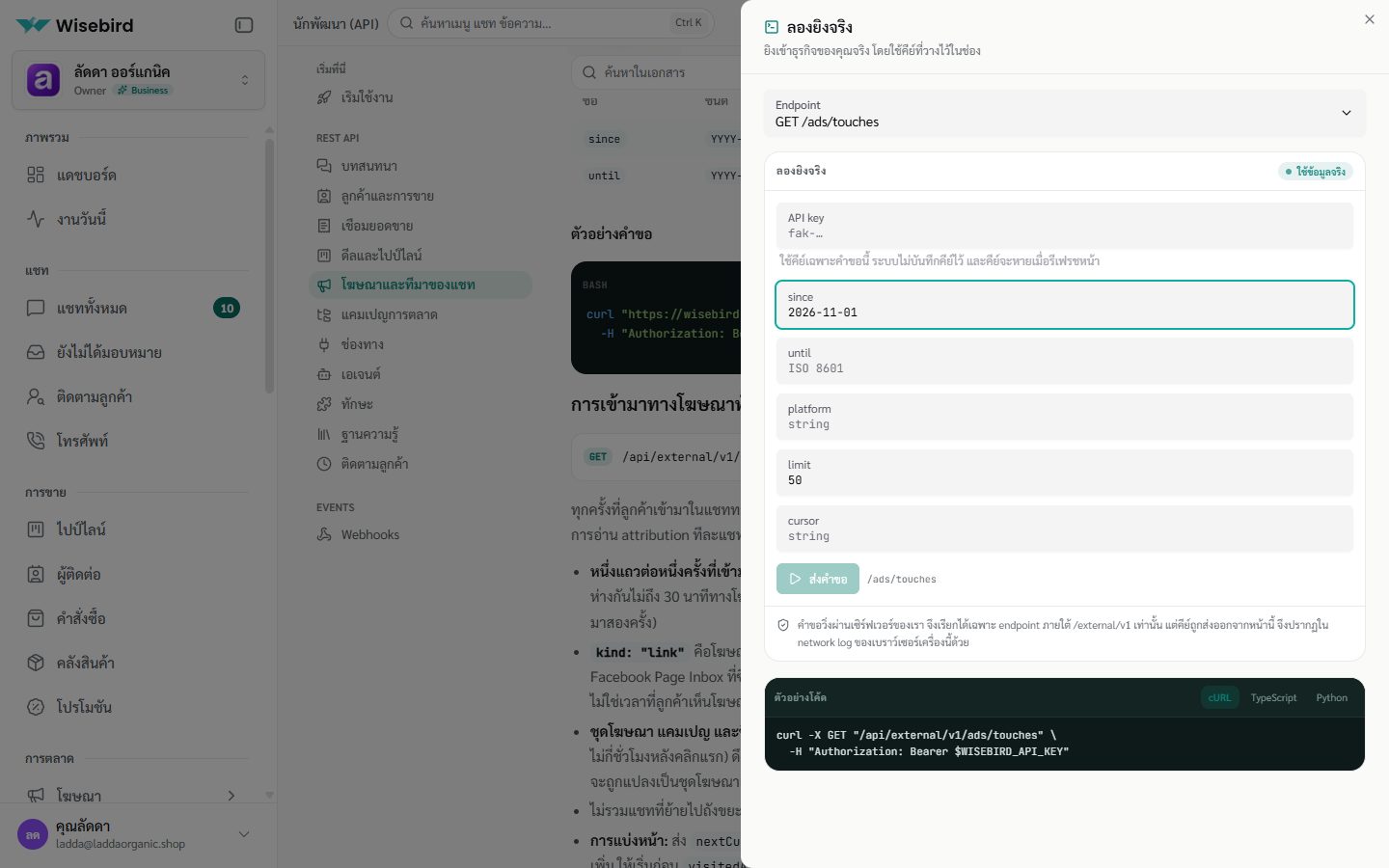
Trying GET /ads/touches — Enter the API key and since, then send; the response appears below the panel Read every page
The response has touches (the rows) and nextCursor. Pass nextCursor as cursor in the next request, and repeat until nextCursor is null.
03What each row holds
- touchId — a stable id for the row, for de-duplication
- kind — visit or link
- attributionId — the chat-to-ad link this row belongs to
- chatId · channelId · platformUserId — the conversation and the customer on the platform
- platform · externalAdId — the platform and its ad id
- externalAdsetId · externalCampaignId · adName · adsetName · campaignName — ad set, campaign and names
- source — webhook_referral (click) · manual (label sync / linked by hand) · utm · custom_ref
- visitedAt — when it happened
- firstCapturedAt — the first time this chat met this ad
Chats in the Trash are left out.
04Syncing only what is new
Rows are only ever added, never changed afterwards, so there is no "changed since" parameter.
- Remember the latest visitedAt your system holds
- Next time, call with since a few minutes before it
- De-duplicate on touchId
- Re-read the last 7 days now and then to pick up campaign and ad set names filled in later