01Pick the way that fits your shop
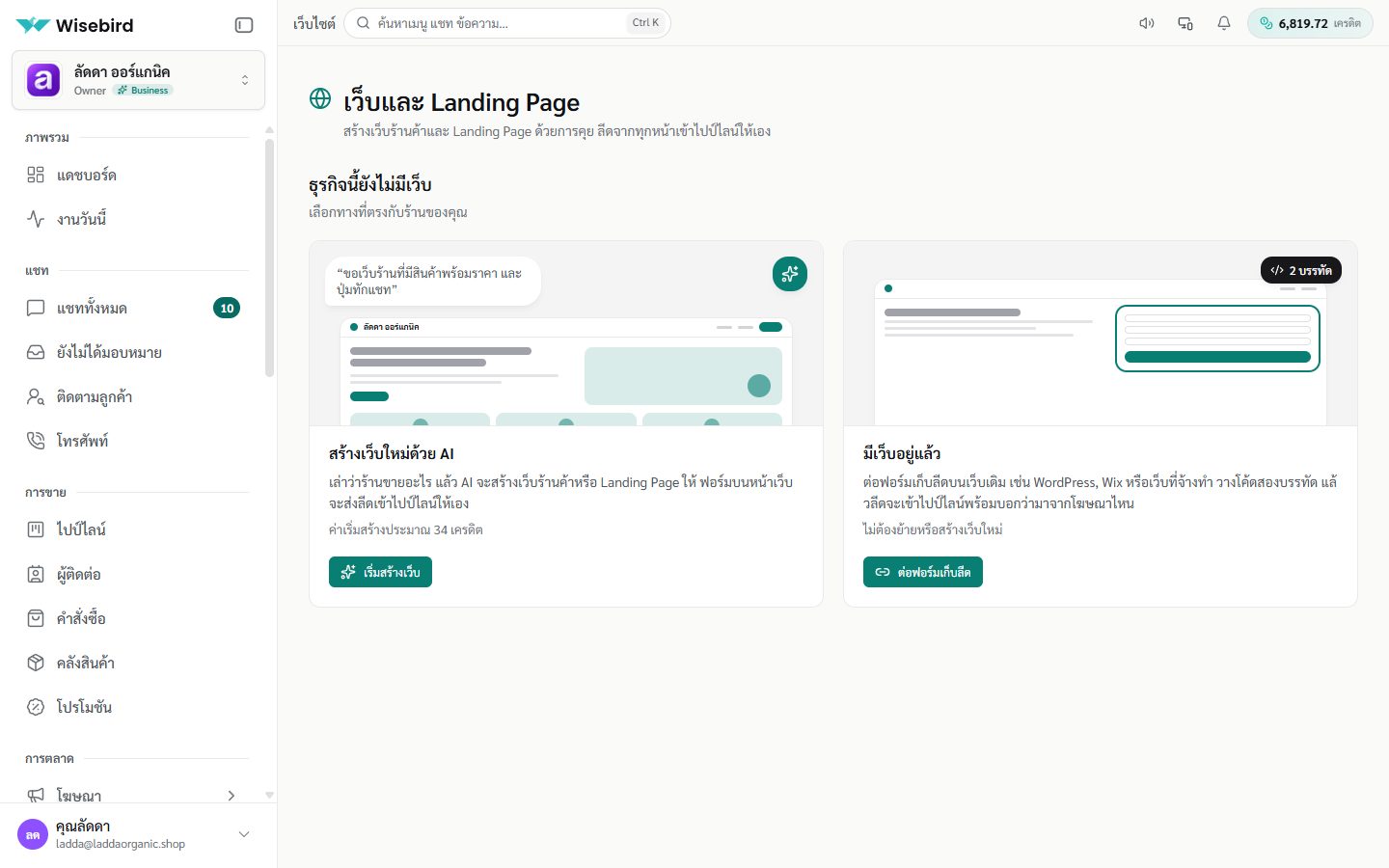
Way 1
Build a new site with AI
Describe what you sell; the AI builds a shop site or landing page whose form sends leads to the pipeline.
Way 2
I already have a website
Connect a lead form to your current site (WordPress, Wix or a custom build) — no move needed.
02Build a new site with AI
Press "Start building" and choose the type
Three steps: Type and agent · Offer and form · Look and confirm.
Type
Shop site
With a back office: home, products, prices, reviews, ordering or booking on the site.
Type
Landing page
One page that collects leads; the form feeds the pipeline and remembers which ad each lead came from.
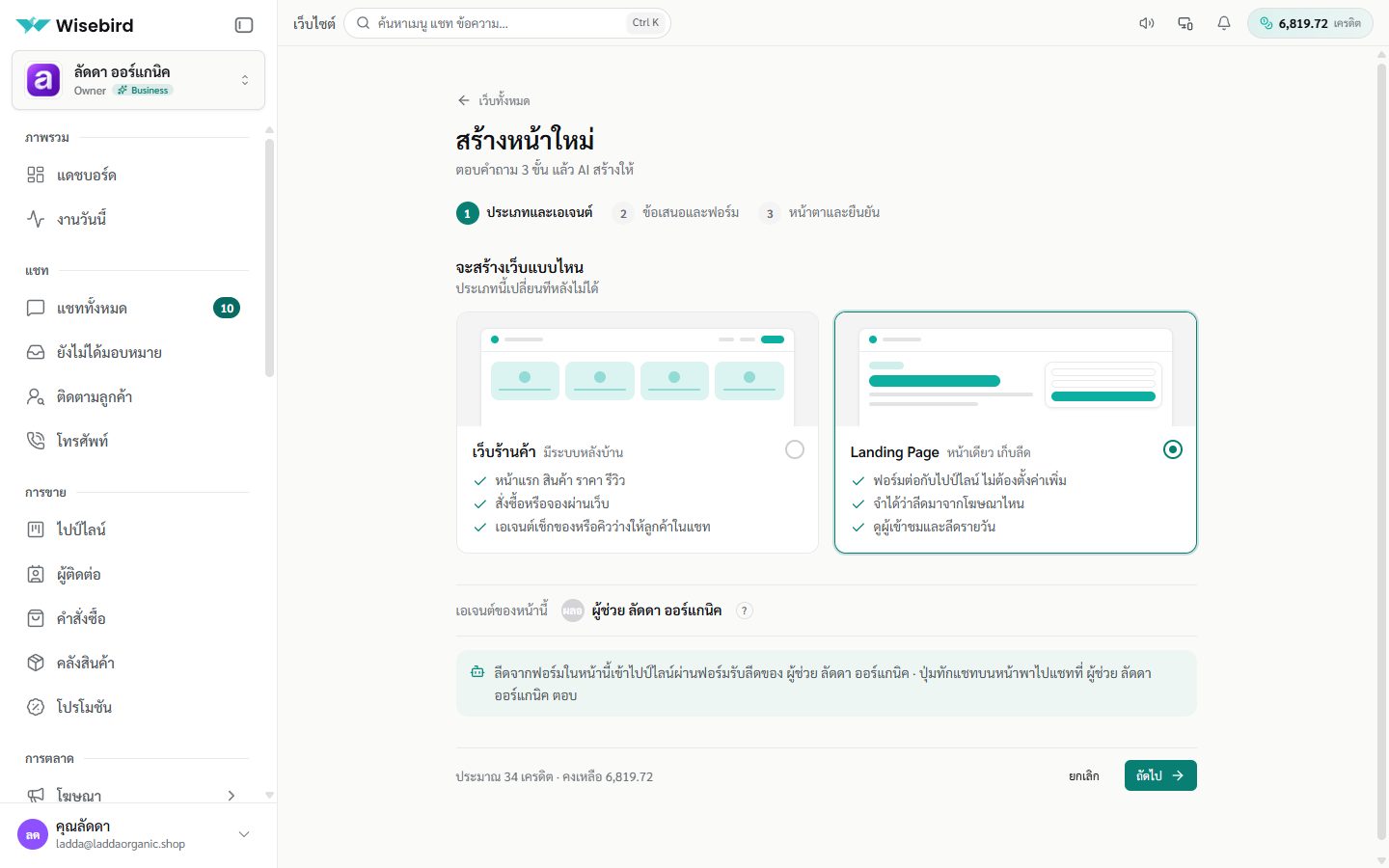
New page, step 1 — The site type cannot be changed later; the bottom line shows the estimated credits and your balance Building a site uses credits (shown before every confirmation), and the site type cannot be changed later.Chat with the AI to refine it, then publish
Once built, the site's page has a chat box for asking the AI for changes and a live preview. When you are happy, publish; the site opens at the address shown on Domains.
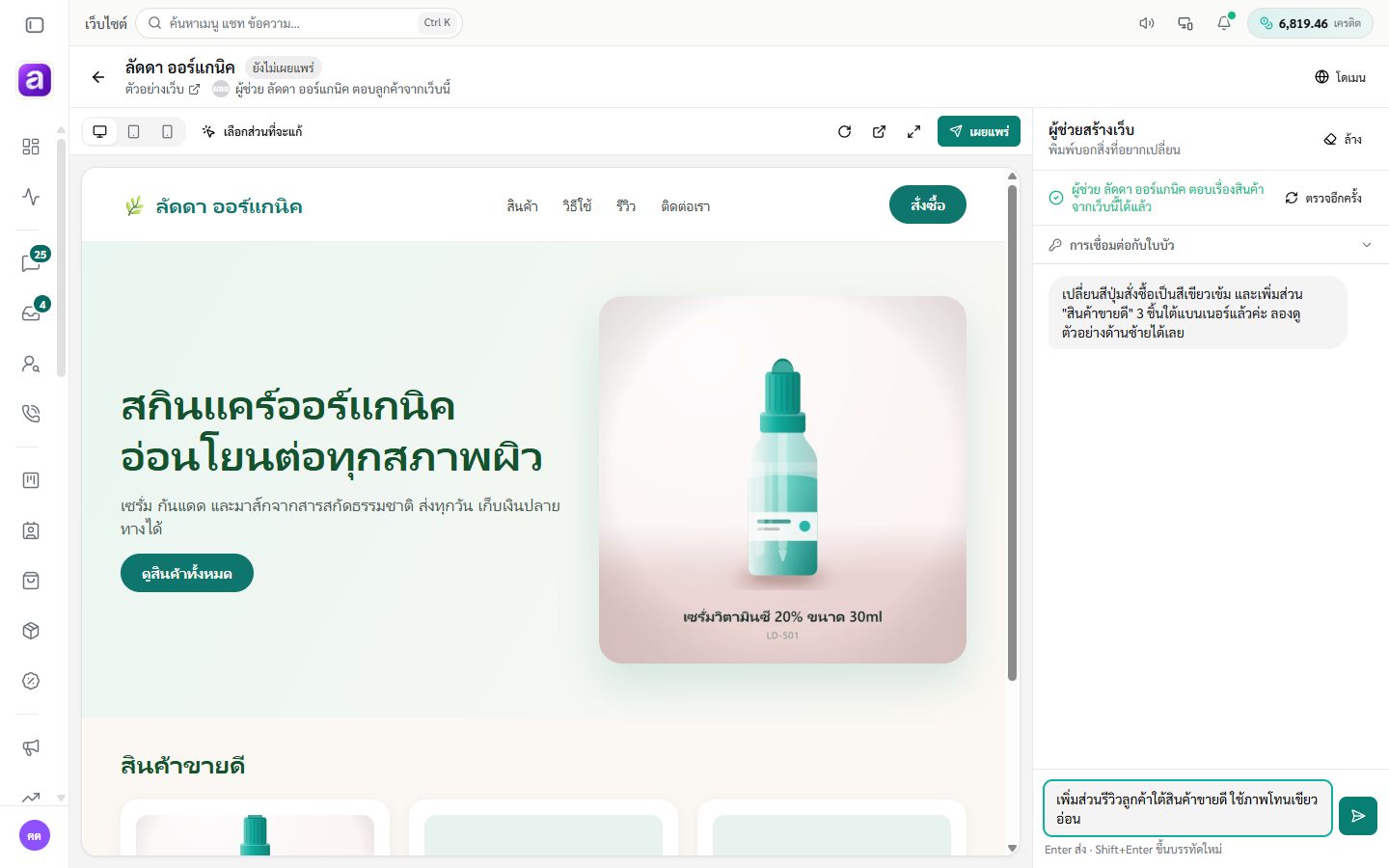
Editing a site by chat — Left: the page preview (desktop / tablet / phone, and "Pick a part to edit") with the Publish button · right: the site-builder assistant you type changes to
03Connect a lead form to your existing site
Press "New form"
Give it a form name, optionally pick an agent, and press Create form.
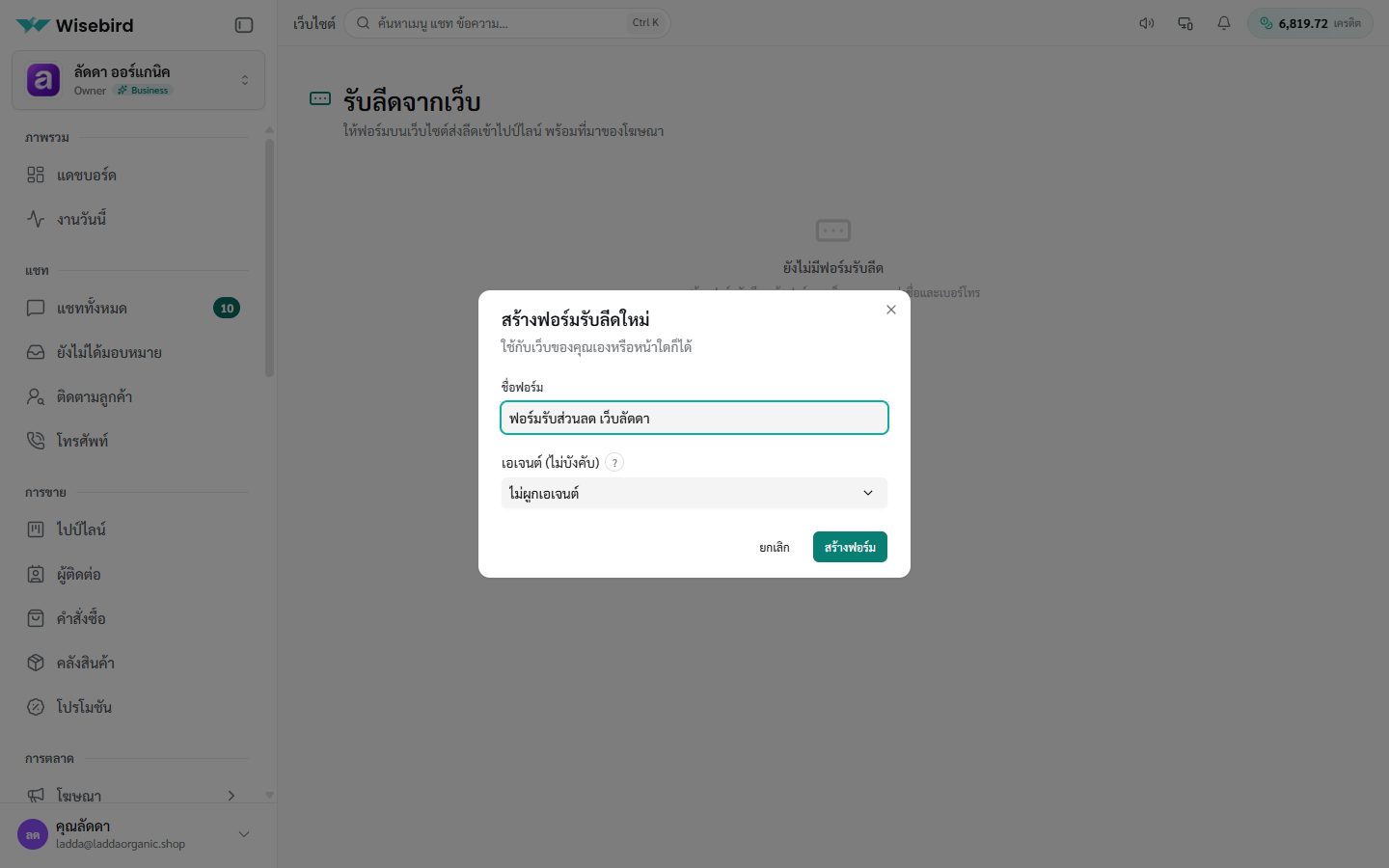
Create a lead form — For your own website or any page Choose where new leads go
Under Status and keys, choose the pipeline and starting stage. Turn on Phone required to refuse leads without a number. The Receiving leads switch pauses the form.
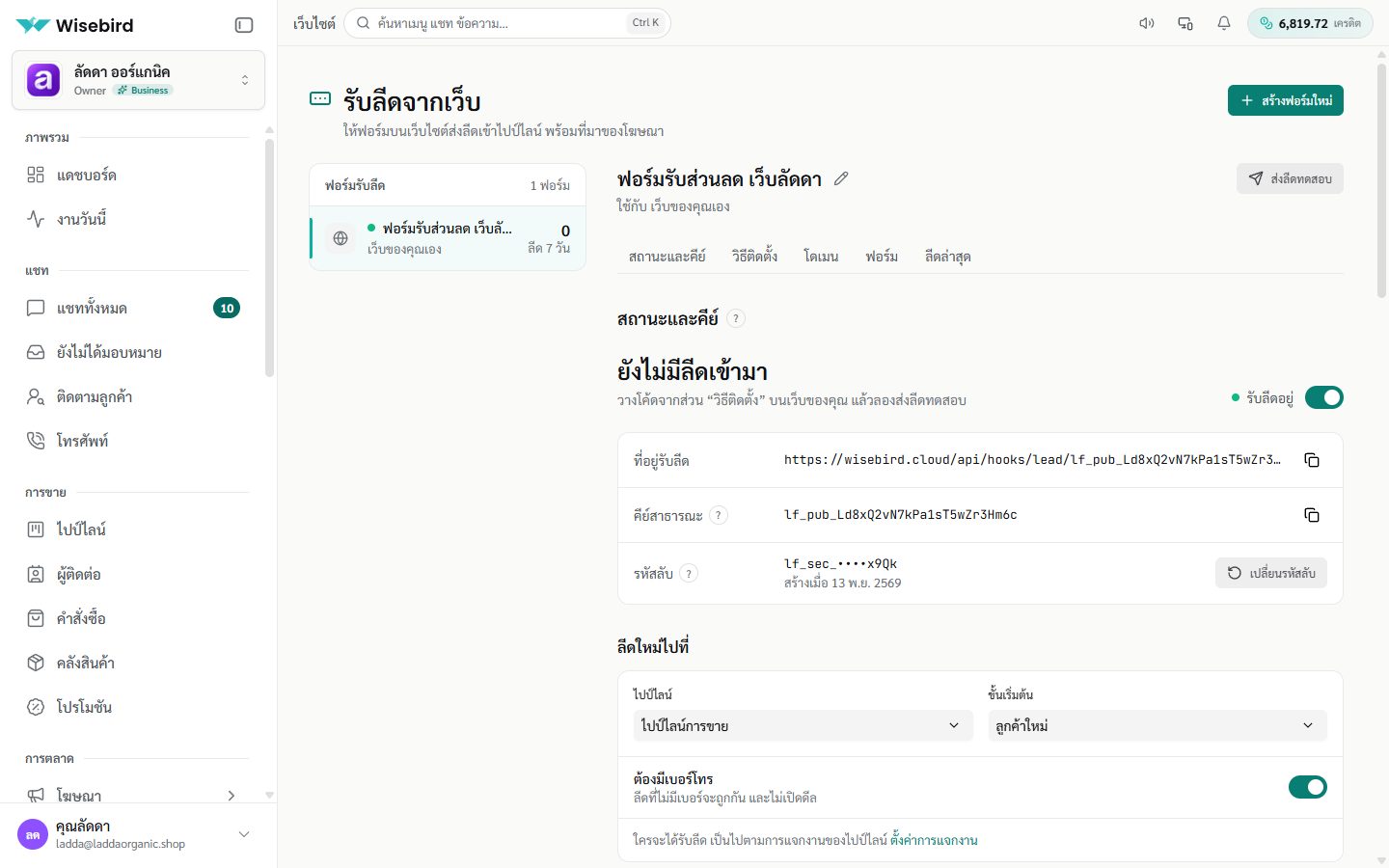
Form status and keys — The lead address, public key, secret and the pipeline leads enter The secret is for back-end systems only — never put it on a web page. If it leaks, press Rotate secret.Paste the code on your site
You want a ready-made form
Choose "Ready-made form" and copy the two lines
recommended
Your site already has a form
Choose "Connect your own form"
needs a code change on the site
Paste the first line once per page, anywhere — for example in <head>. Paste the second where the form should appear. Press Adjust form to choose the fields.
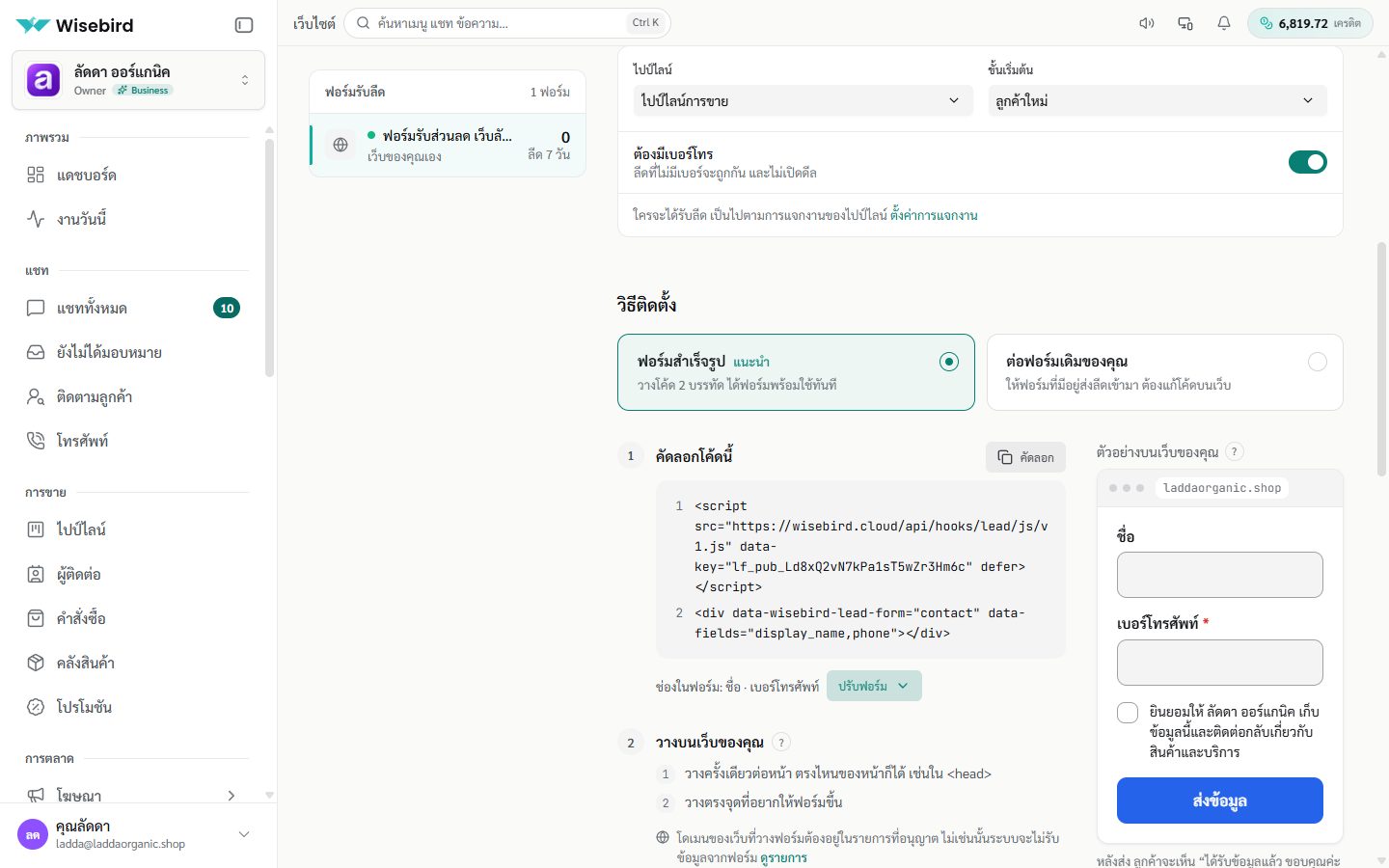
Installation — The code to paste and a preview of the form on your site Add your site's domain
Under Allowed domains, type your domain, e.g. laddaorganic.shop, and press Add. Put *. in front to include every subdomain.
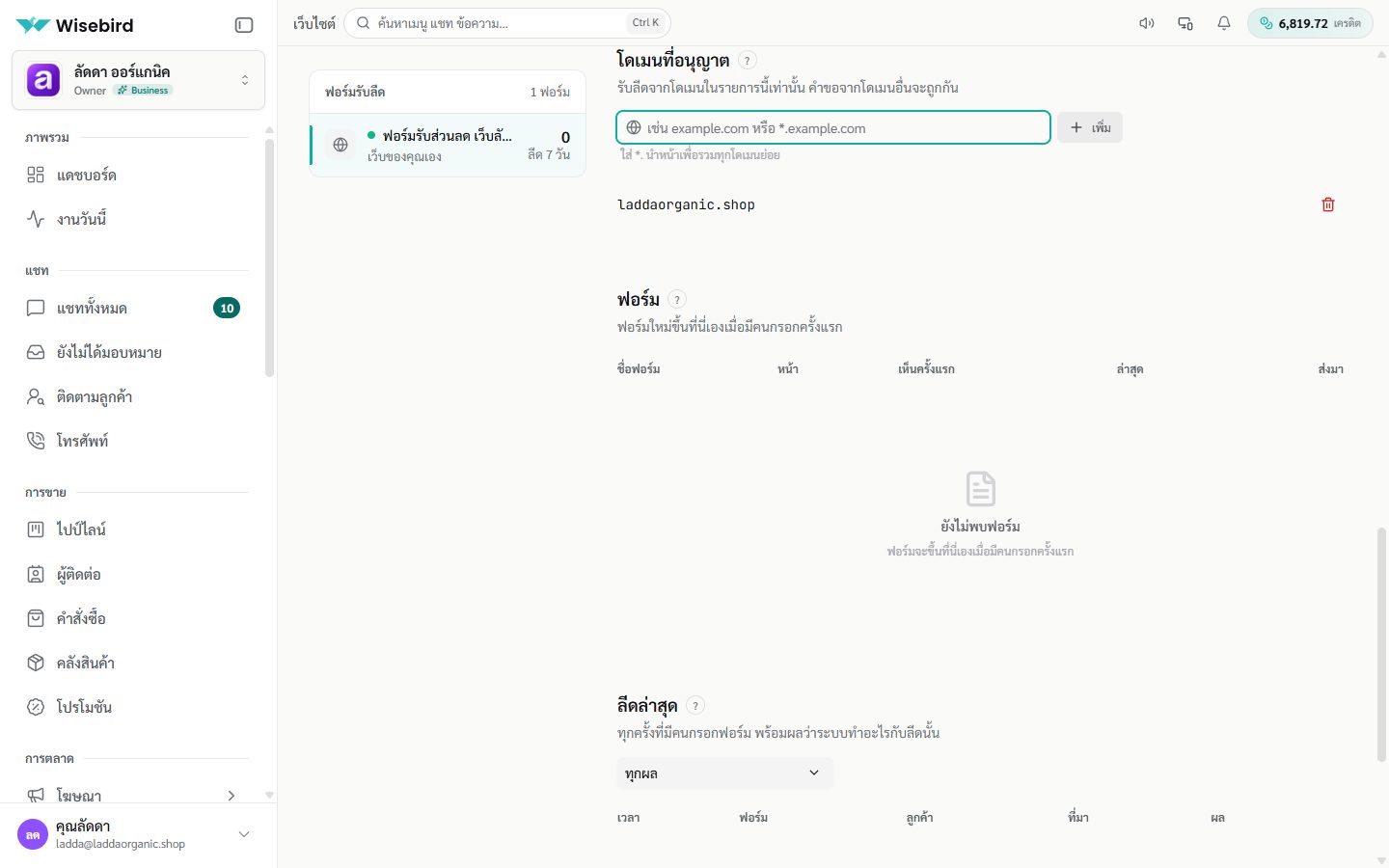
Allowed domains — Leads are accepted only from domains on this list With no domain on the list, every form sent from a browser is refused.Send a test lead and check Recent leads
Press Send test lead at the top right, or fill in the form on your site once. It shows in Recent leads within seconds, with what Wisebird did — created a new deal, merged with an existing contact, or refused it.
The Forms section lists every form on your site on its own, the first time someone fills it in.
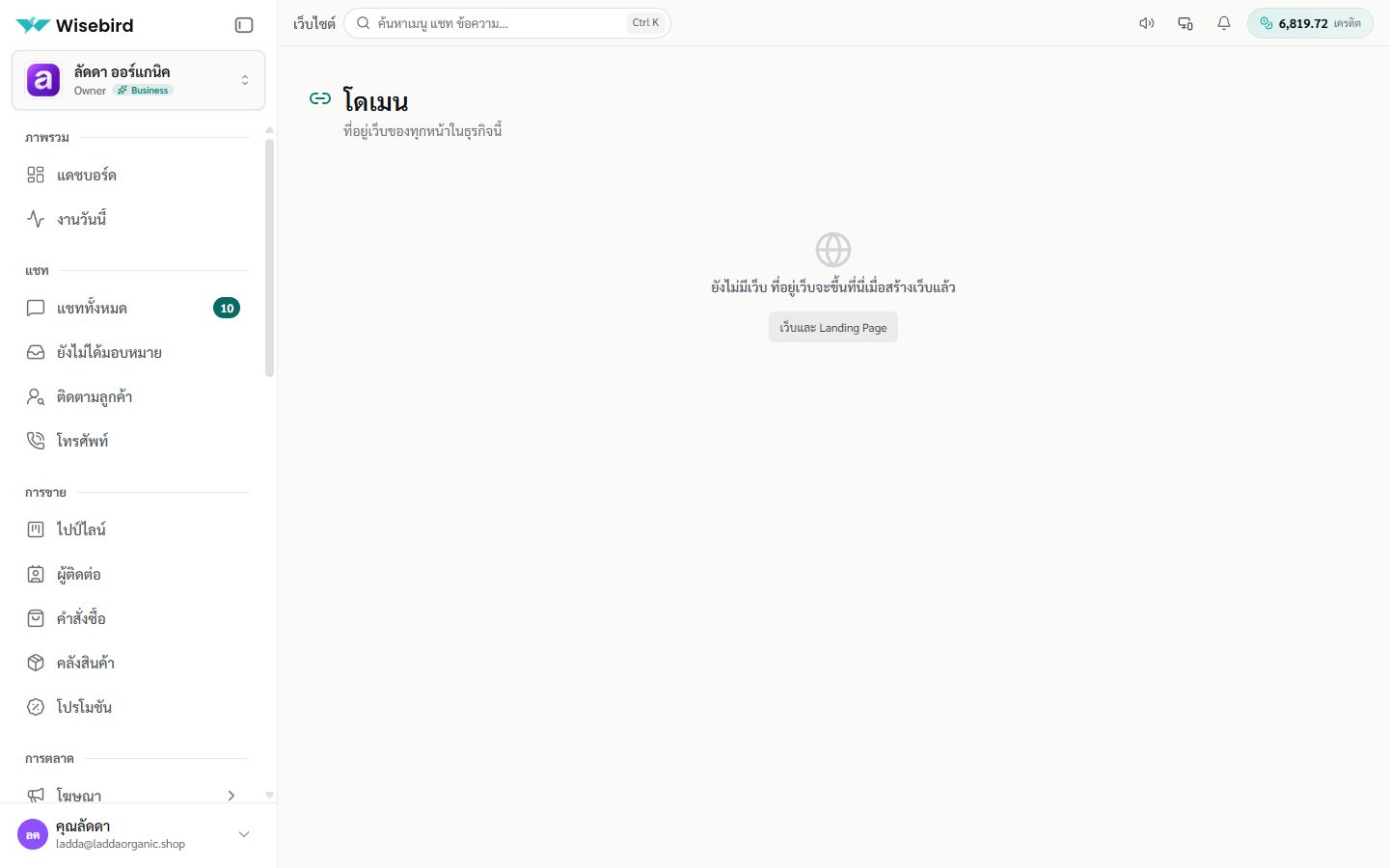
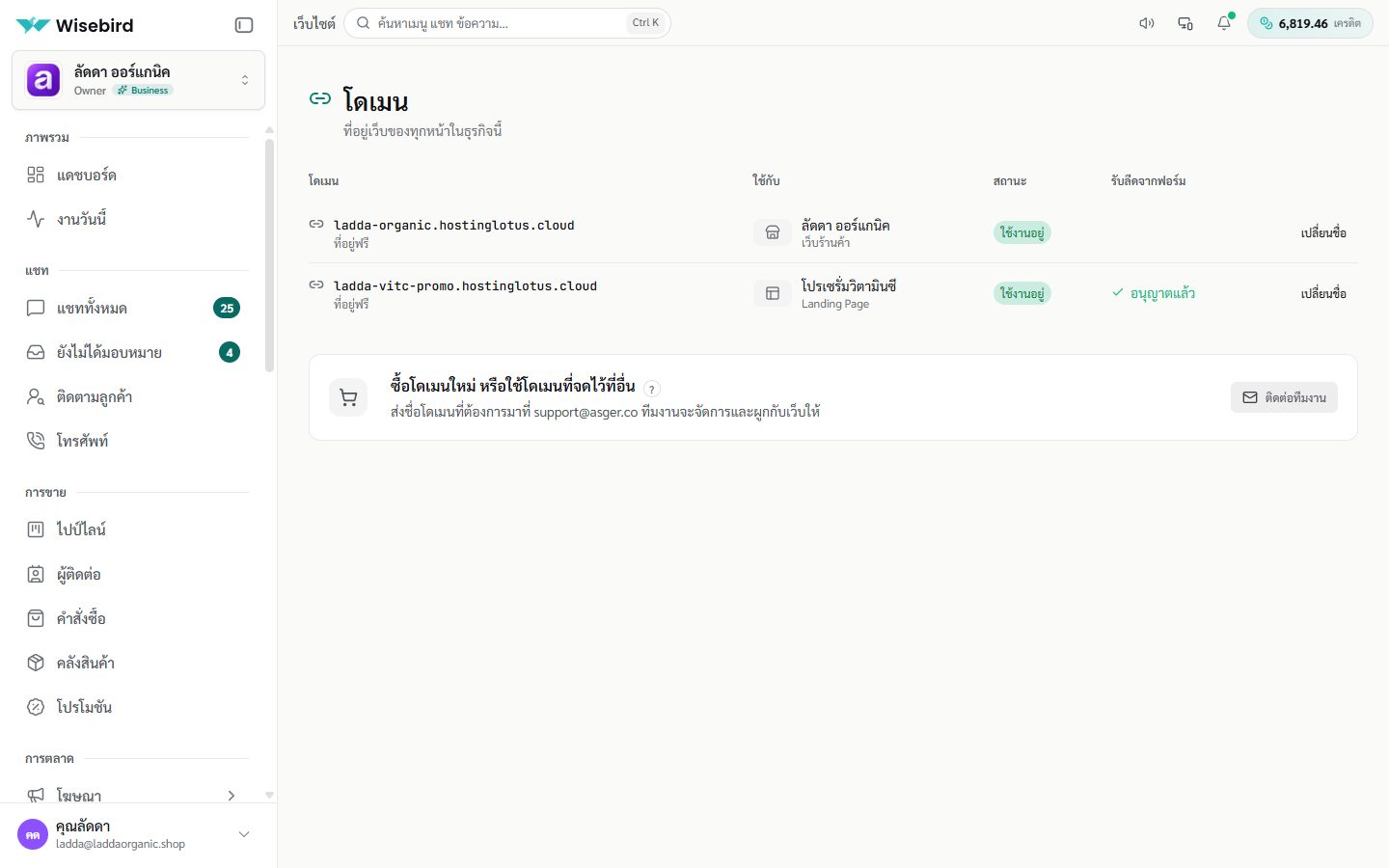
04The Domains page
Every web address of every page in the business. Each site gets a free address you can rename (a–z, digits and hyphens, 3–40 characters).