01Before you start
- A TikTok business account (TikTok Business account)
- Direct messages are turned on for that account
- Being signed in to TikTok Business with that account in the same browser makes it quicker
02Connect the TikTok account
Open the connect window and choose TikTok
ChannelsCreate ChannelTikTokNext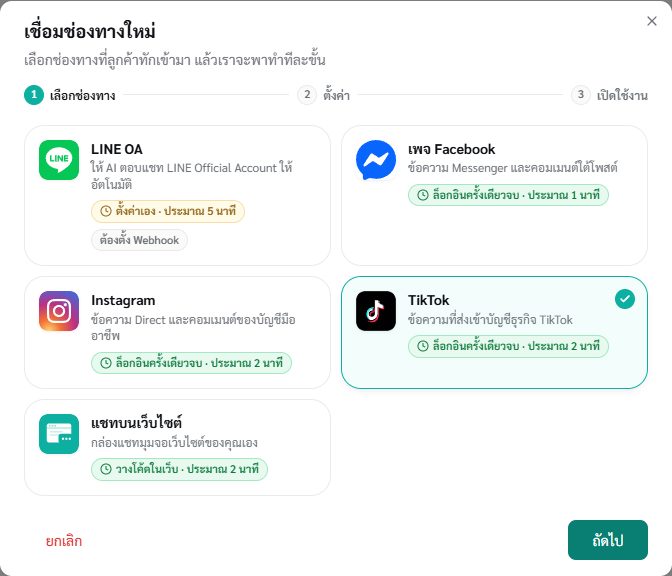
Choose TikTok — The TikTok card says "Sign in and done · about 2 minutes" Press "Connect with TikTok" and allow
A channel name or agent you entered before pressing the button is remembered. You're taken to TikTok to sign in and allow access, then brought back.
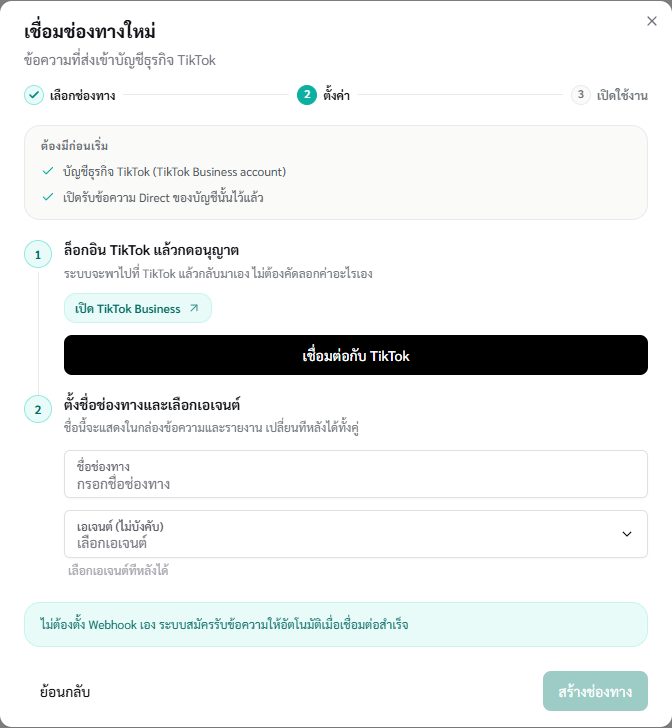
TikTok steps — The "Connect with TikTok" button and the channel name box Screenshot: TikTok's permission pageWhere TikTok asks for access to the business account's messagesScreenshot coming soon Name the channel and press "Create channel"
Back in Wisebird the new-channel window opens where you left it and says TikTok account connected. Name the channel (the agent can wait) and press Create channel.
Screenshot: back from TikTokA green "TikTok account connected" box replaces the connect button, and Create channel is enabledScreenshot coming soon "Create channel" only becomes available once the account is linked. Wisebird never creates the channel by itself on the way back from TikTok.
03TikTok's reply rules
These rules come from TikTok and apply to the AI and to your team alike.
Time
Reply within 48 hours
Counted from the customer's last message, up to 10 messages in that time. Whenever the customer writes again, the count starts over.
Files
Text and pictures only
No videos or other files. A picture sent with text goes out as two separate messages.
Ads
Opened the chat from an ad but typed nothing
TikTok won't let you message them until they write first (unless the ad has TikTok's own welcome message). The chat shows a line saying they came from a TikTok ad.
04When the connection expires
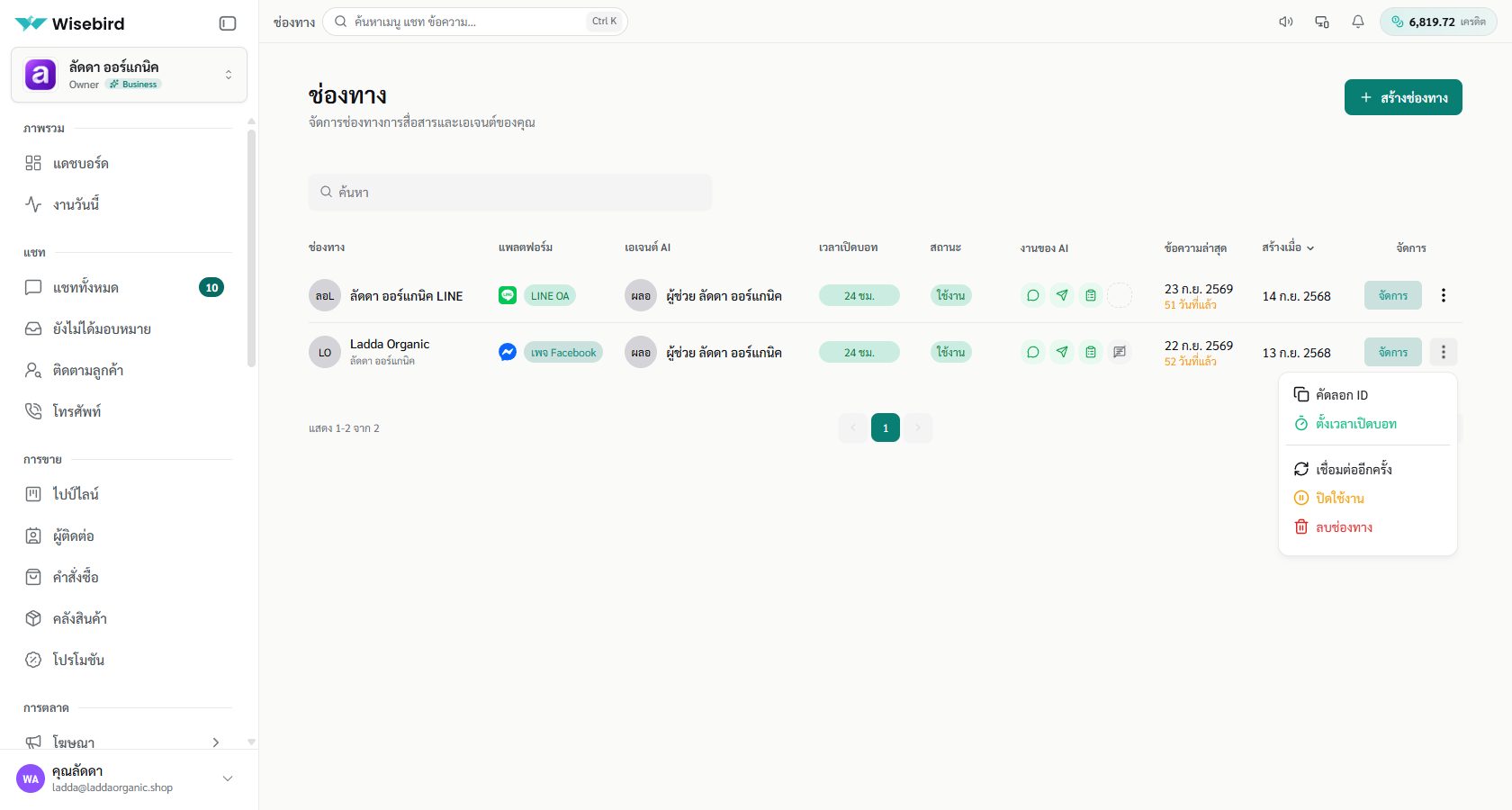
If the channel's row says Token expired, open the ⋮ menu at the end of the row and choose Reconnect. You go through TikTok again and the same channel is renewed — its chats and settings stay. No need to delete it.